RudderStack source
Receive RudderStack webhook events in Knock to trigger workflows and keep user data in sync with track and identify events.
The RudderStack source enables you to receive RudderStack webhook events directly in Knock. RudderStack sends webhook callbacks when track and identify events flow through your workspace. Knock identifies the event type and executes the actions you configure.
This integration is useful for triggering notification workflows from track events, such as alerting users when key actions happen in your product, or syncing user data into Knock from identify events so recipient profiles stay up to date.
Prerequisites
#- A Knock account with at least one environment configured.
- A RudderStack workspace with access to destination settings.
Getting started
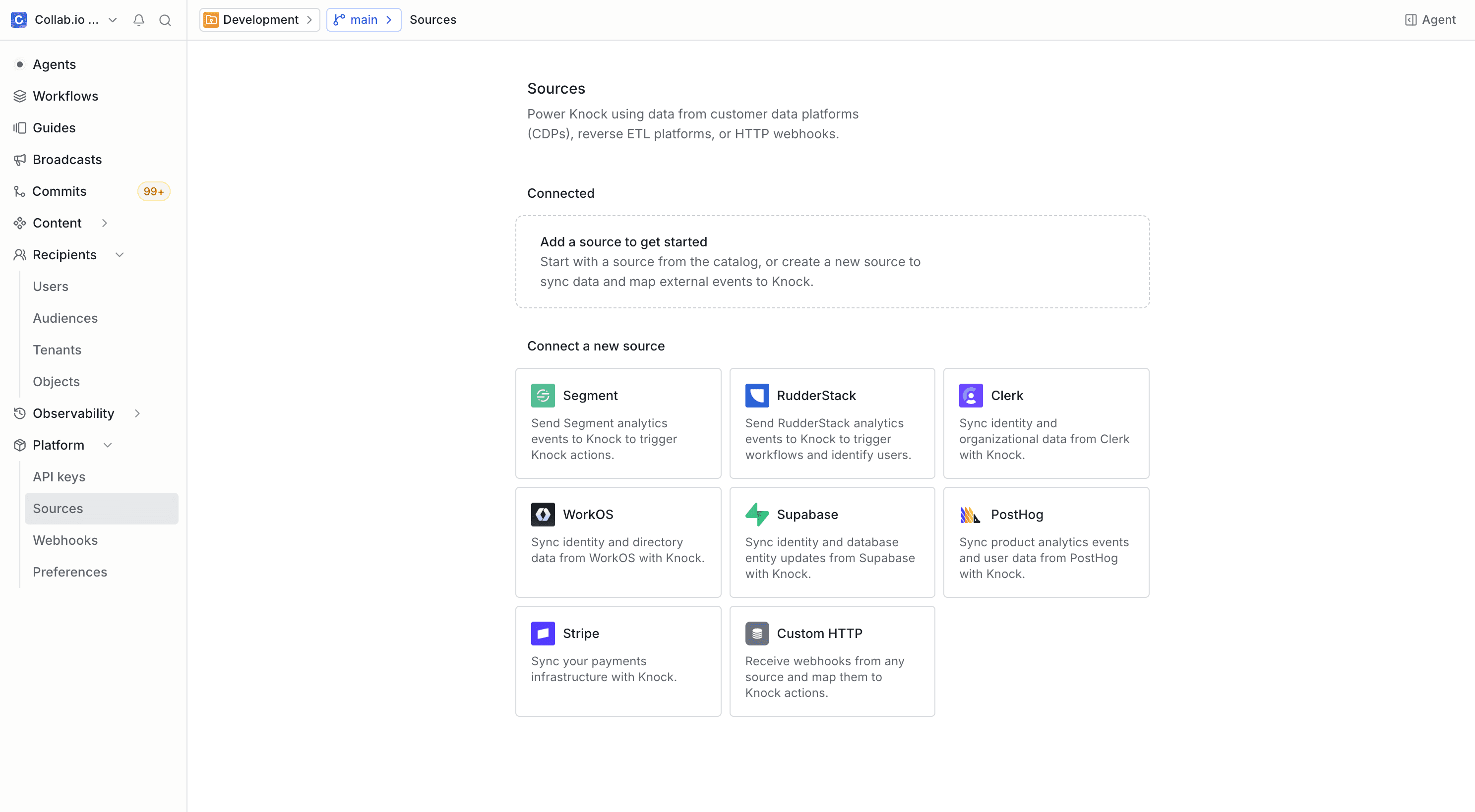
#
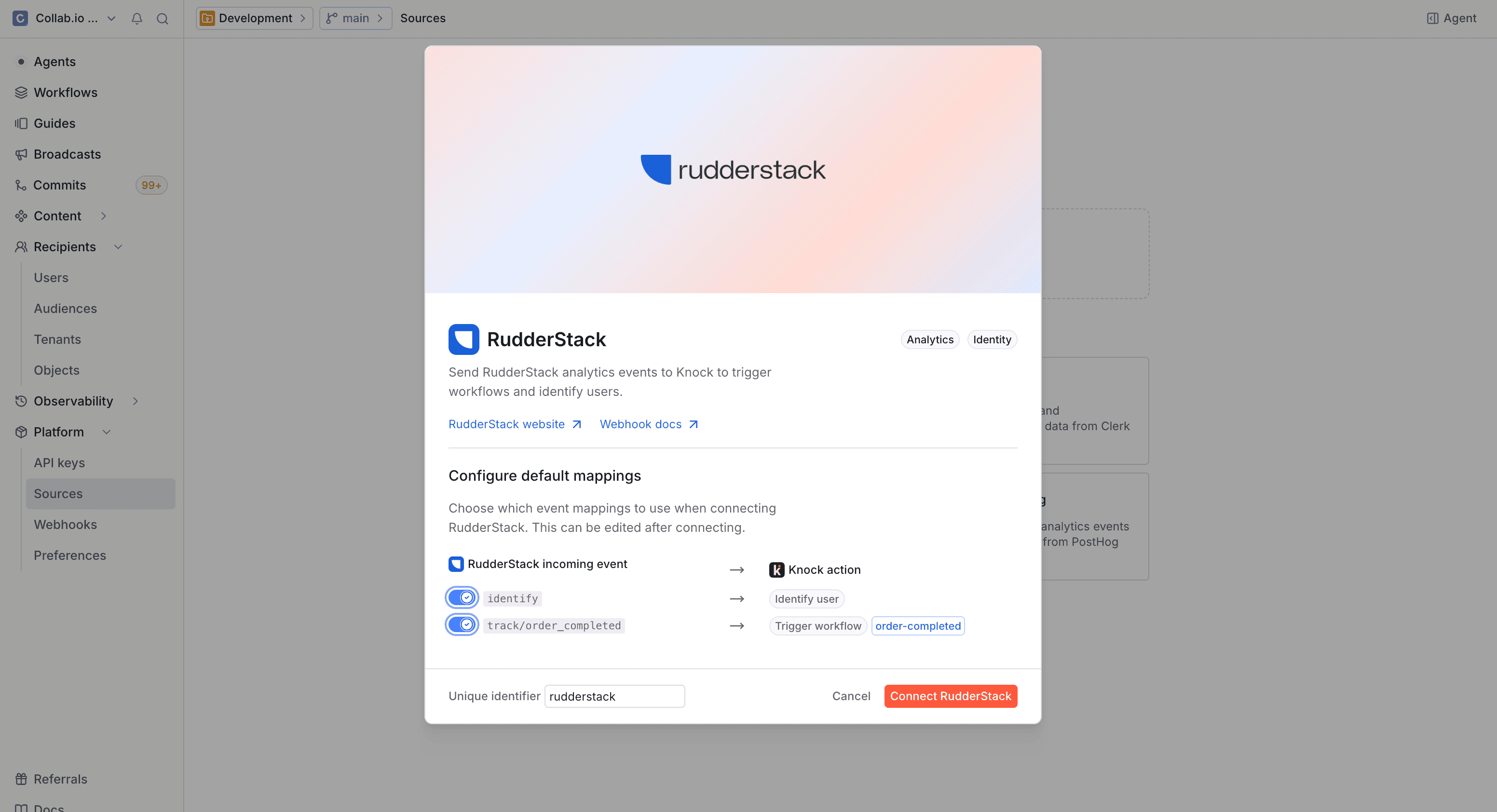
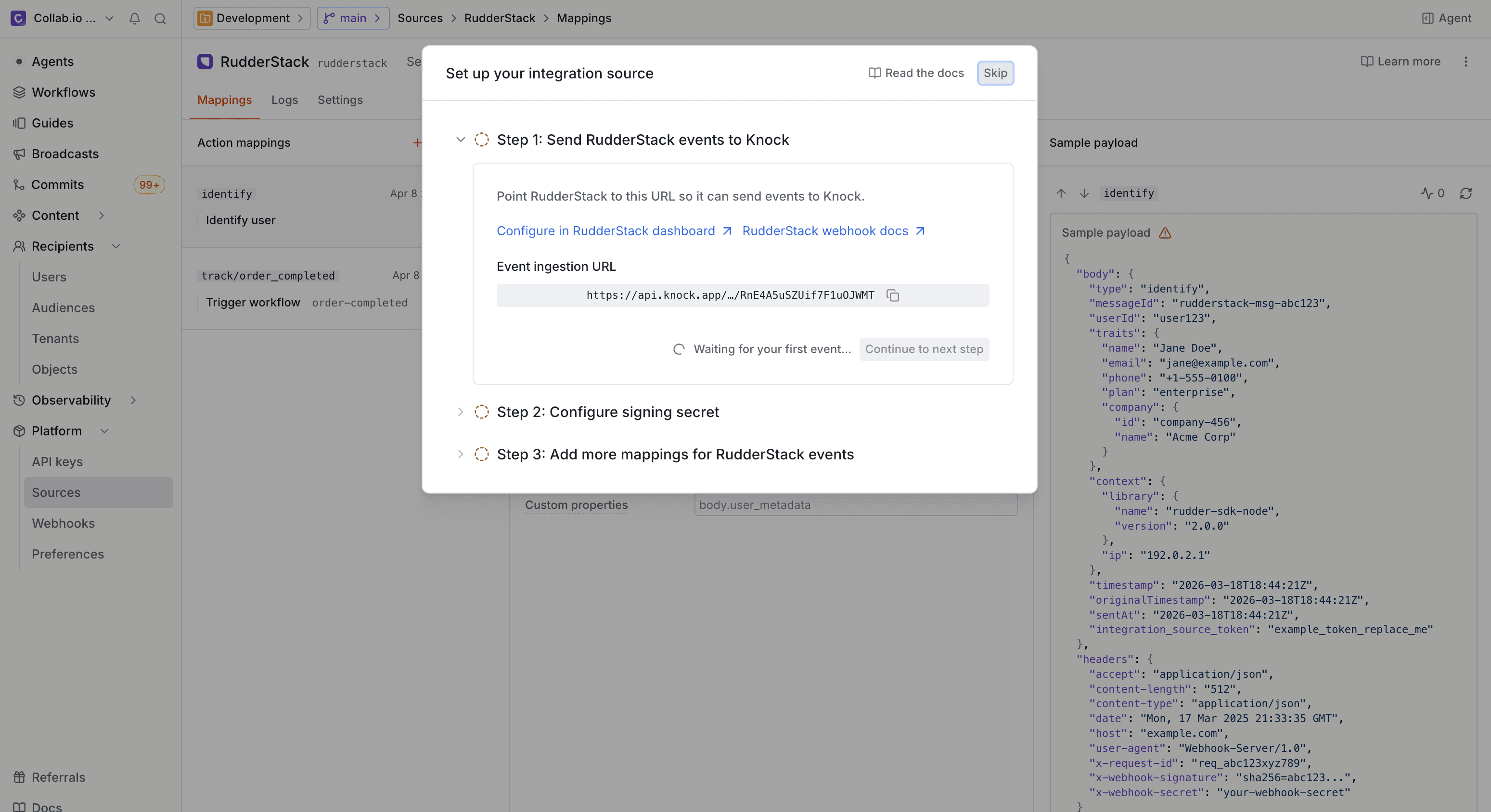
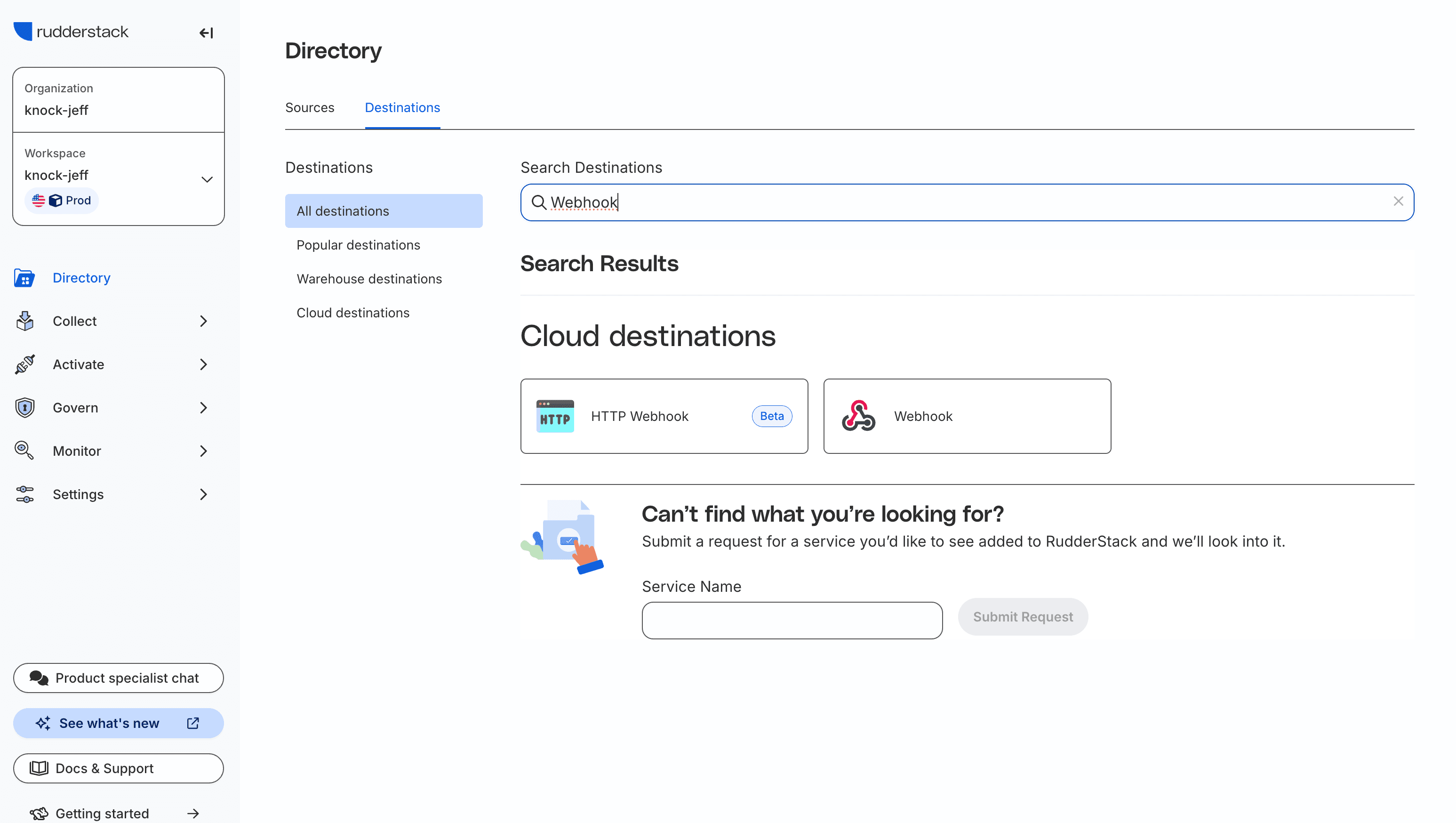
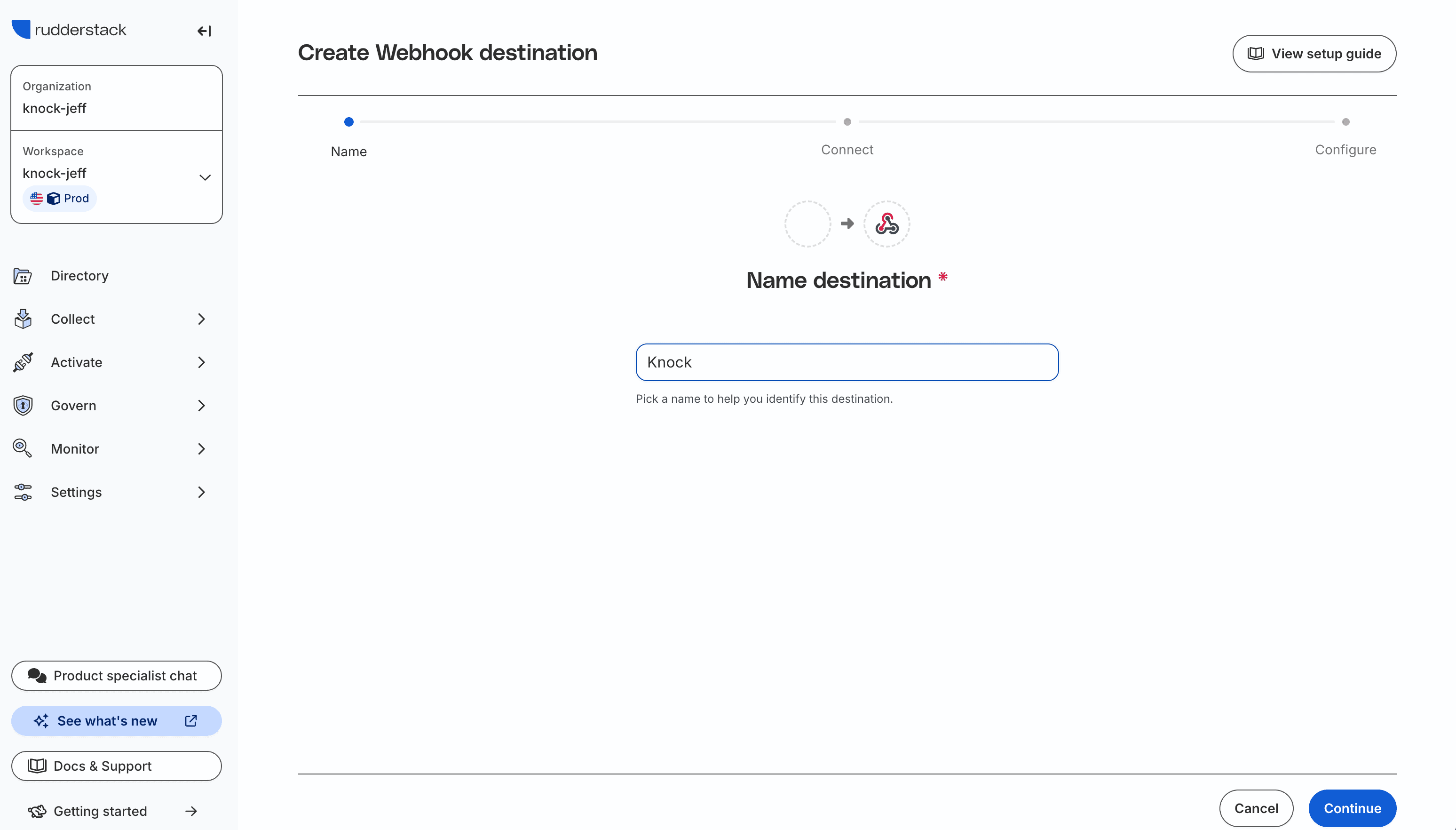
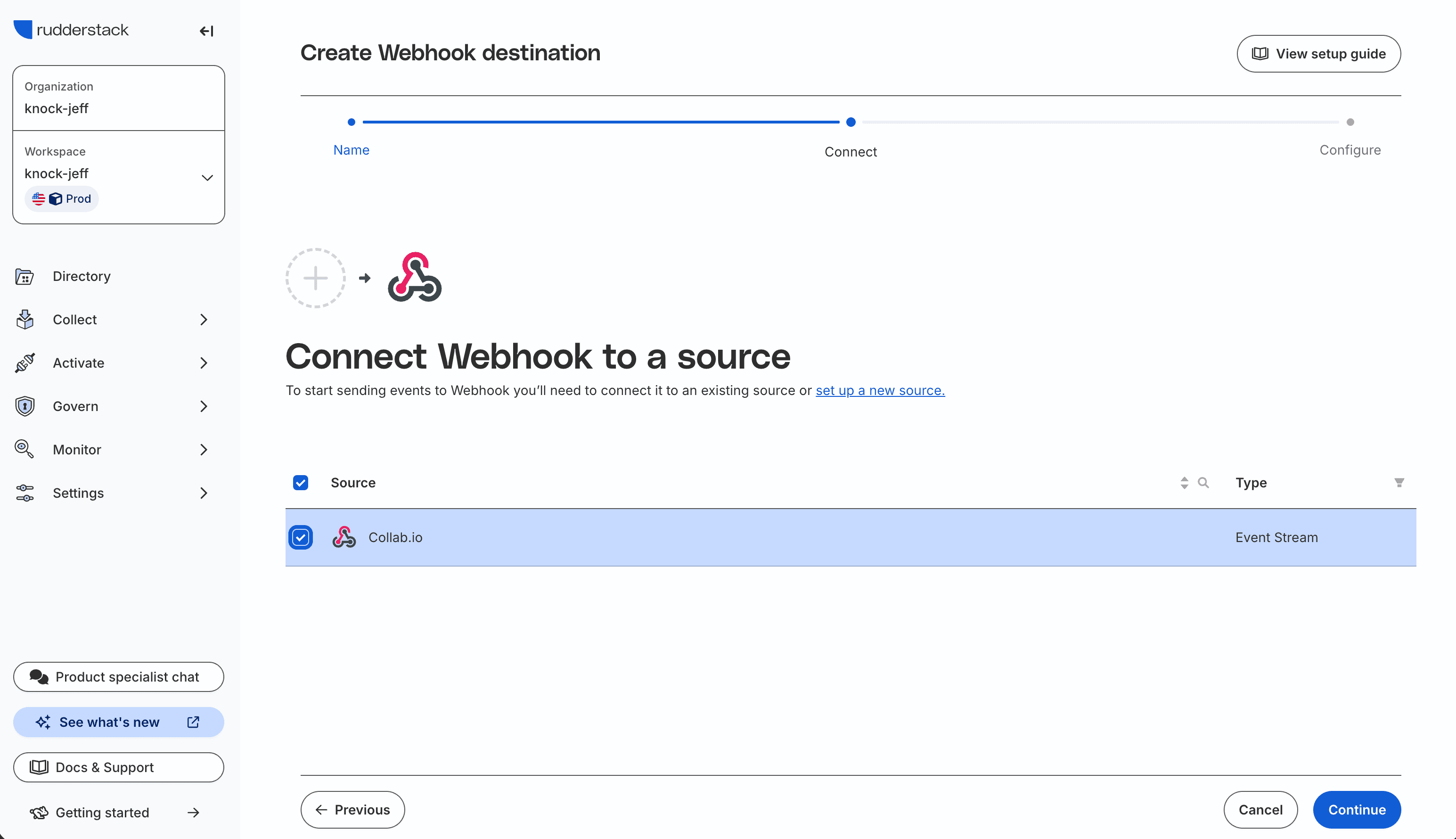
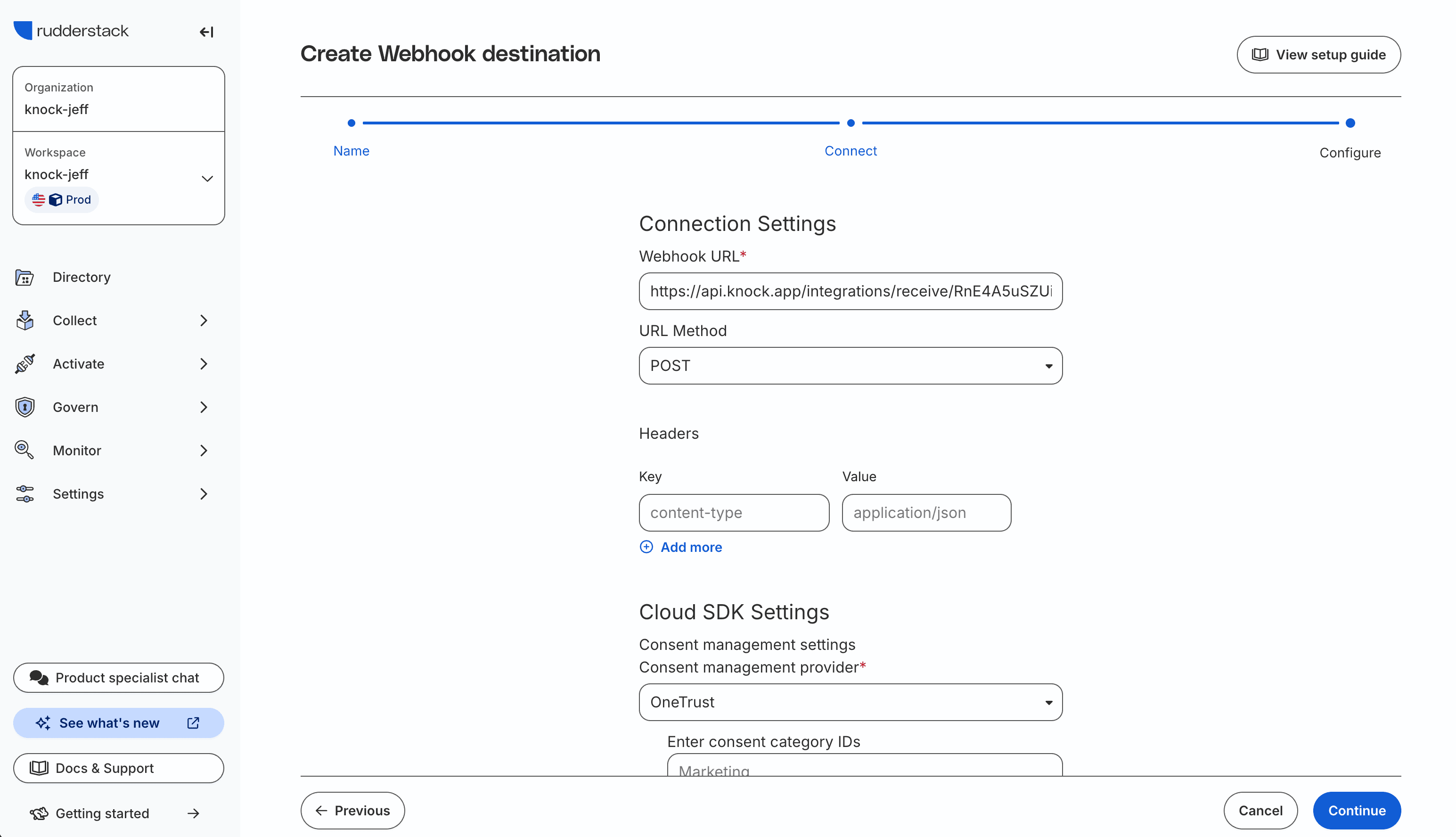
Once configured, RudderStack sends webhook events to Knock in real time. You can verify that events are arriving by checking the event logs on the source environment page.
Pre-configured events
#RudderStack sends events based on the RudderStack event spec. Below are common event types you might map to actions in Knock.
See the RudderStack event spec documentation for the full list of available event types and their schemas.
Customization
#You can modify the default action mappings or add new ones for any event type Knock receives from RudderStack. For details on how field mapping works with dot-notation paths, see the custom source page.
If you need to map RudderStack events to actions beyond triggering workflows, see the full list of available actions in the sources overview.
Event idempotency
#Knock uses the messageId field from the RudderStack event spec as the idempotency key. RudderStack includes a messageId in every track and identify event by default, so no additional field configuration is needed.
You can change the idempotency key field or disable idempotency checks from the Settings tab in your source environment configuration. Events without an idempotency key attribute are processed normally.
For details on how Knock handles idempotent events, key validation rules, and the default 24-hour idempotency window, see the source event idempotency section of the sources overview.